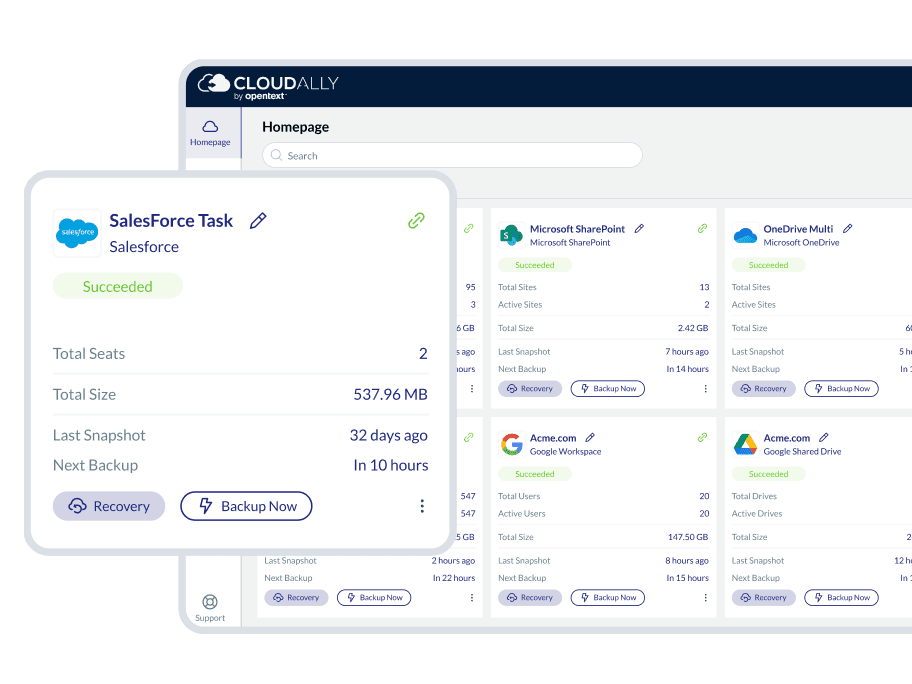

Automated backup
Automated or on-demand salesforce backups of all your salesforce data, metadata, and chatter feeds, stored in a single repository.
Support for Salesforce sandbox seeding with data anonymization and data/metadata compare.

Anytime / anywhere restore
Flexible Salesforce recovery includes point-in-time, granular, and cross-org restore with sandbox seeding.
Export Salesforce data in a CSV format compatible with the Salesforce Import Wizard and Data Loader. Plus unlimited retention.

Real-person service
Exceptional customer service real-person 365x24x7 to resolve all your Salesforce backup queries.
Dedicated customer hub with video tutorials and a detailed knowledge base.

Secure and certified
Secure and Certified with OAuth and MFA/2FA support. ISO 27001 certified, supports HIPAA and GDPR compliance requirements.
Choose from eleven global data centers. Secure Amazon AWS S3 and HTTP-SSL encryption at-rest and in-flight.
Why is it critical to backup Salesforce data?
7 compelling reasons your business needs SaaS backup now
Don’t rely on native retention—95% of data loss stems from human error, outages, cyberattacks, sync issues, insider threats, and compliance gaps. Discover how missing backups can cost millions, disrupt operations, and threaten legal standing—and how Cloudally safeguards your Microsoft 365, Google Workspace, Salesforce, and more with unlimited snapshots, point-in-time recovery, and audit-ready compliance.
Trust the SaaS backup experts
We pioneered SaaS backup back in 2011. Rely on our proven, mature, and top-rated products. Ranked by Newsweek, Gartner and Capterra as a leading SaaS backup solution.
With OpenText Cloudally Backup for Salesforce, we backup:

All organizational data, including standard objects, custom objects, attachments, emails, layouts and more

Metadata, including workflows, reports, apex triggers and apex classes, processes, object schemas, tabs and more.

Chatter feeds
Secure your data
Salesforce cannot protect you from data loss at your end due to human error, malicious intent, outages, sync errors, hackers, or malware.
Salesforce is a powerful platform. However, native backup options like the Export backup function, only perform a weekly or monthly backup, do not support sandboxes, and can only be downloaded within 48 hours of receiving them. Native recovery options like the Data Loader are cumbersome and time-consuming.
When you add to the equation the likelihood of employee errors and the frequency of malware attacks and security breaches, you have a significant cybersecurity gap that can cause business-critical data loss without any chance of recovery.
Although your data is hosted by Salesforce, maintaining control and protection of your business data in case of security threats or accidental deletion is ultimately your company’s responsibility. Salesforce recommends, “It is important for customers to develop a data backup and recovery strategy as part of their overall data management and security model”. As do Gartner and Forrester. Data regulatory laws like the GDPR and HIPAA also mandate demonstrable recoverability.
Choose a Salesforce backup solution tailored for your business

Intelligent workforce management
Reduce load on admin teams with bulk activation of backups for your entire Salesforce organization in production or sandbox environments. Sandbox seeding support to test applications or processes using a replica of your data, without changing the production database.

Flexible recovery options with unlimited retention
Quickly recover data from any point-in-time using visual historical snapshots or versions of your Salesforce data, metadata, and chatter feeds. With a single click, recover individual objects as needed with in-place restore. Supports Salesforce sandbox seeding and data/metadata compare sandbox functionality. Secure user data with data anonymization. Unlimited data retention included. Self-service recovery and backup to your own cloud-compatible storage (BYOS).

Zero adoption effort, intuitive admin-friendly UI
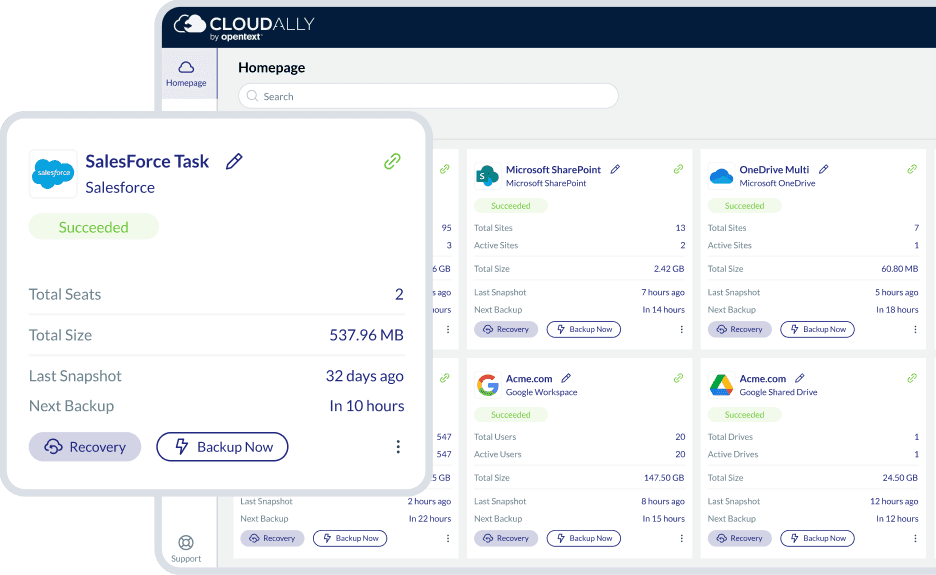
Our Salesforce backup integrates seamlessly with all Salesforce plans, giving you full control of your Salesforce data through a single OpenText Cloudally Backup account. Back up data from Production, Sandbox, and multiple Salesforce instances with ease. The intuitive user interface enables quick, out-of-the-box usage with two-click recovery. Salesforce administrators also benefit from advanced user management, customizable cloud-to-cloud backup settings, transparent status monitoring, email alerts, and detailed activity logs.

We have your back(up) secure and always available
Your Salesforce backup is fully protected with AES-256 data encryption at rest and in-transit, and a 99.9% uptime SLA. We offer your choice of global data centers and support GDPR and HIPAA compliance. We're also ISO 27001 certified. Our Salesforce backup has in-built secure authentication with MFA/2FA, OAuth and Okta support.
Features

Comprehensive Salesforce backup
Comprehensive backup of standard objects, custom objects, Chatter feeds, attachments, reports, dashboards, emails, triggers, workflows, and classes.

Immutable backups and unlimited retention
Automated and on-demand Salesforce backup. Single repository backup. Minimize Salesforce API usage with only delta changes being fetched daily. Auto-pause of backups when API limit reached.

Salesforce integration With sandbox seeding
Integrates directly into the Salesforce user interface. Test applications or processes by seeding the sandbox with the replica of production data. Secure your sandbox data with our in-built data anonymization.

Flexible recovery for a global workforce
Easy point-in-time Salesforce recovery with historical snapshots and unlimited data retention, granular restore of individual objects.

Save with Salesforce data export to your own storage
Save on license costs with support to export Salesforce data CSV format and compatible with the Salesforce Import Wizard and Data Loader.

Secure authentication with OAuth and 2FA/MFA support.
Secure authentication with 2FA/MFA, OAuth, and Okta support. Salesforce credentials are not stored or accessible by Cloudally. Immutable storage with object lock minimizes accidental or malicious data loss.

Admin-friendly controls
Backup Salesforce data from production, sandbox, and multiple Salesforce instances. Reclaim control of Salesforce data with customized cloud-to-cloud backup settings. Stay informed with daily backup notifications, exception-only alerts, and activity logs.
Data centers in NA, EU, and APAC
Adhere to regulatory laws and audit requirements with Salesforce backup in your choice of data center in the US, Canada, UK, Ireland, Germany, Japan, and Australia.
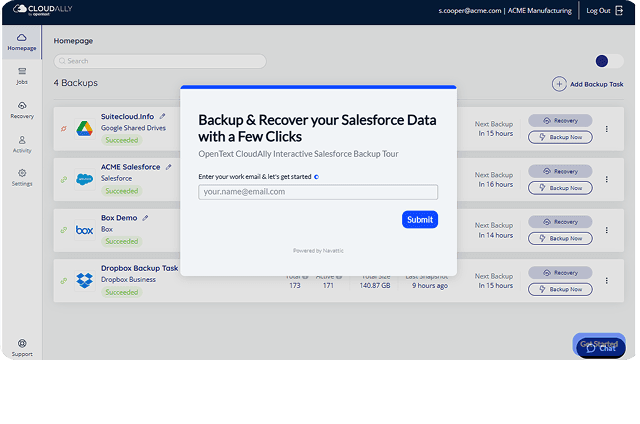
Try a hands-on tour: Salesforce backup
Interactive product tour for OpenText Cloudally Backup for Salesforce.
Salesforce backup security
Stringently secure and compliance supported
- Supports HIPAA compliance requirements
- Strong encryption
- Global data centers, built on Amazon Web Service (AWS)
- Intrusion detection
- Compartmentalized access
- 99.99% uptime
Resources

Enterprise-grade cloud-to-cloud Salesforce backup and recovery solution

FAQs
The following are frequently asked questions about Salesforce backup, Salesforce data retention policies, and data recovery options within Salesforce
A data retention policy is a statement agreed by all the business stakeholders of how long data will be stored by the organization, with some organizations also including details around the if, when, where, and how the data is deleted, anonymized, or otherwise treated.
- Catalogue your data.
- Review your data and make some critical organizational decisions
- Establish procedures for the removal of data
Once data has been deleted, it will reside in the Salesforce recycle bin for a maximum of 15 days. During this period, known as the “soft-delete” stage, data can be restored back into the org. If data is emptied from the recycle bin, or the 15-day retention period expires, the data becomes “hard-deleted” and is not able to be recovered. You can, however, access the data by using the Salesforce workbench. If data is deleted from the database, the deletion becomes permanent and the data is only accessible or recoverable if a backup solution is in place.
Deleted records in the “soft-delete” stage may be restored by using the un-delete operation within the recycle bin. However, the un-delete operation cannot be used on records or data that has been manually purged from the recycle bin or has exceeded the 15-day retention period. If this is the case, the data is no longer recoverable without a backup solution.
To find and restore records using the Salesforce workbench:
- Prior to running the search query, select Include under Deleted and Archived Records.
- Once the ID for the record is located, choose Un-delete from the data drop-down at the top of the page.
- Enter the ID and follow the prompts on the screen to restore the record.
For many organizations, the countless records of CRM data stored within Salesforce are indispensable to company success and business continuity. Salesforce provides complete protection from fault on their end, offers varied options for manual backup within the platform and can assist directly in recovering lost data if absolutely necessary. However, it cannot protect your data from threats beyond its control, and the native backup and last-resort options come with numerous restrictions, limited capabilities, lengthy completion times and a hefty price tag. Salesforce recommends investing in a full-featured, third-party backup and recovery solution, such as Cloudally.
Up until 2019, the data recovery cost, according to Salesforce: “The price for this service is a flat rate of $10,000,” and “The process must be performed manually and usually takes a minimum of 6-8 weeks to complete.” Plus, there is no guarantee of recovery.
In 2020 Salesforce further iterated that native options for backup and restore are unavailable. Learn More.
Hence, third-party backup with Cloudally is the safe and secure way to back up your data.