
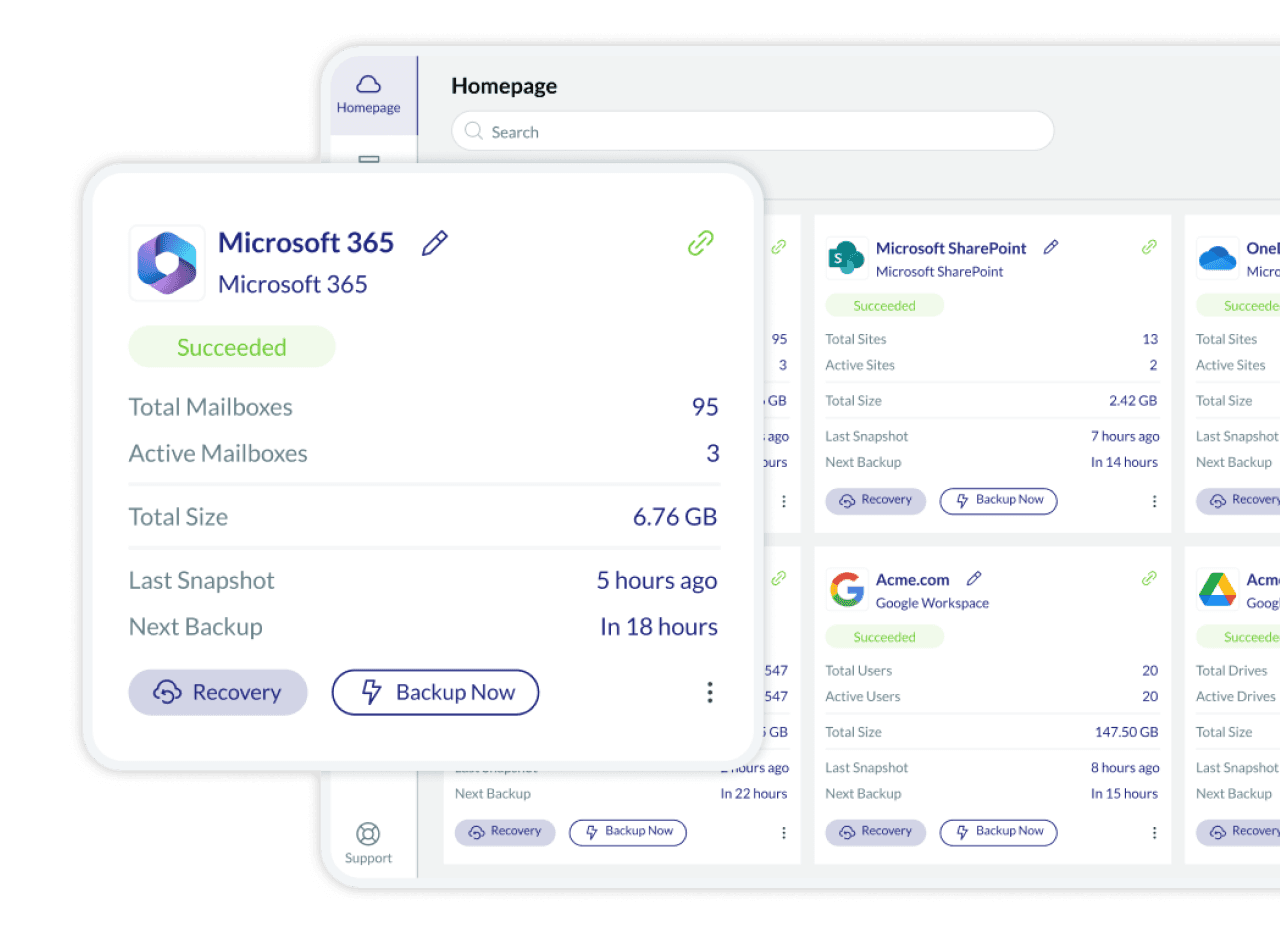
Secure Microsoft 365 backup and recovery
Secure all your Microsoft 365 data on cyber resilient AWS storage, with flexible recovery and unlimited retention options.

Backup all SharePoint / OneDrive data
- 3 automated or manual immutable backups to vendor-managed or BYOS storage
- 3-2-1 Backup to AWS S3 with glacial storage and redundancy
- Comprehensive backup of all SharePoint and OneDrive data

Recover SAP from ransomware & data loss
- Unlimited point-in-time snapshot recovery
- Smart granular recovery by keyword
- Self-service recovery

Comply with data regulations
- AES 256-bit encrypted immutable backup
- Supports GDPR and HIPAA compliance standards, ISO2700 certified
- 2FA, OAuth, SAML (Okta) support
- 10 global data centers

Increase productivity with no-training UI and admin-friendly tools
- Intuitive, no-training UI
- Auto-detect, bulk activation, auto-backup, auto-archive
- Export archives in Zip format
Why is it critical to back up Microsoft 365 data?
7 compelling reasons your business needs SaaS backup now
Don’t rely on native retention—95% of data loss stems from human error, outages, cyberattacks, sync issues, insider threats, and compliance gaps. Discover how missing backups can cost millions, disrupt operations, and threaten legal standing—and how OpenText Cloudally safeguards your Microsoft 365, Google Workspace, Salesforce, and more with unlimited snapshots, point-in-time recovery, and audit-ready compliance.
Trust the SaaS backup experts
OpenText (formerly Cloudally) has been successfully backing up Microsoft 365 for more than 15 years. Trust our proven and top-rated products, ranked by Newsweek, Gartner and G2 as a leading SaaS backup solution. Our comprehensive backup includes:

Microsoft Exchange
Backs up Mail, Calendar, Contacts, Tasks. Metadata included. Public Folders, Shared mailboxes and Litigation Hold artifacts

Microsoft Sharepoint
Backs up Sites, Documents, Libraries, and Metadata

Microsoft OneDrive
Backs up Personal Sites, Documents, Libraries, and Metadata

Microsoft Groups & Microsoft Teams
Backs up Conversations, Public and Private Channels, Calendars and Metadata
Secure your business-critical data with our M365 backup and recovery solution
Microsoft 365 cannot protect you from data loss at your end due to human error, malicious intent, outages, sync errors, hackers, and or malware.
Microsoft 365 is a powerful platform. However, it lacks the daily backup and archiving process. Native options to restore deleted items are time-bound, destructive (overwrite existing data), and cumbersome. Moreover, once your data has been deleted from the Recycle Bin, manually or automatically, it’s permanently gone.
When you add to the equation the likelihood of employee errors and the frequency of malware attacks and security breaches, you have a significant cybersecurity gap that can cause business-critical data loss without any chance of recovery.
Although your data is hosted by Microsoft, maintaining control and protection of your business data in case of security threats or accidental deletion is ultimately your company’s responsibility. Microsoft advises, “We recommend that you regularly backup Your Content and Data that you store on the Services or store using Third-Party Apps and Services”. As do Gartner and Forrester. Data regulatory laws like the GDPR and HIPAA also mandate demonstrable recoverability.
* Newsweek – Top Business Tools
Check out OpenText Cloudally Backup
OpenText Cloudally Backup for Microsoft 365 is not only reliable, but easy to set up and use. Watch the video to see how we offer secure, seamless, and fast Microsoft Office 365 backup and recovery.
Choose a Microsoft 365 solution tailored for your business

Flexible recovery options to any storage with unlimited retention
Quickly recover data without overwriting existing information using point-in-time, non-destructive restore. Our visual historical snapshots ease point-in-time recovery, and advanced search and filter options help restore individual items or entire mailboxes in a snap. All with unlimited retention, so you are not limited by retention policies. We have added capability to self-service recovery and backup to your own cloud S3 compatible storage (BYOS).

Zero adoption effort, intuitive admin-friendly UI
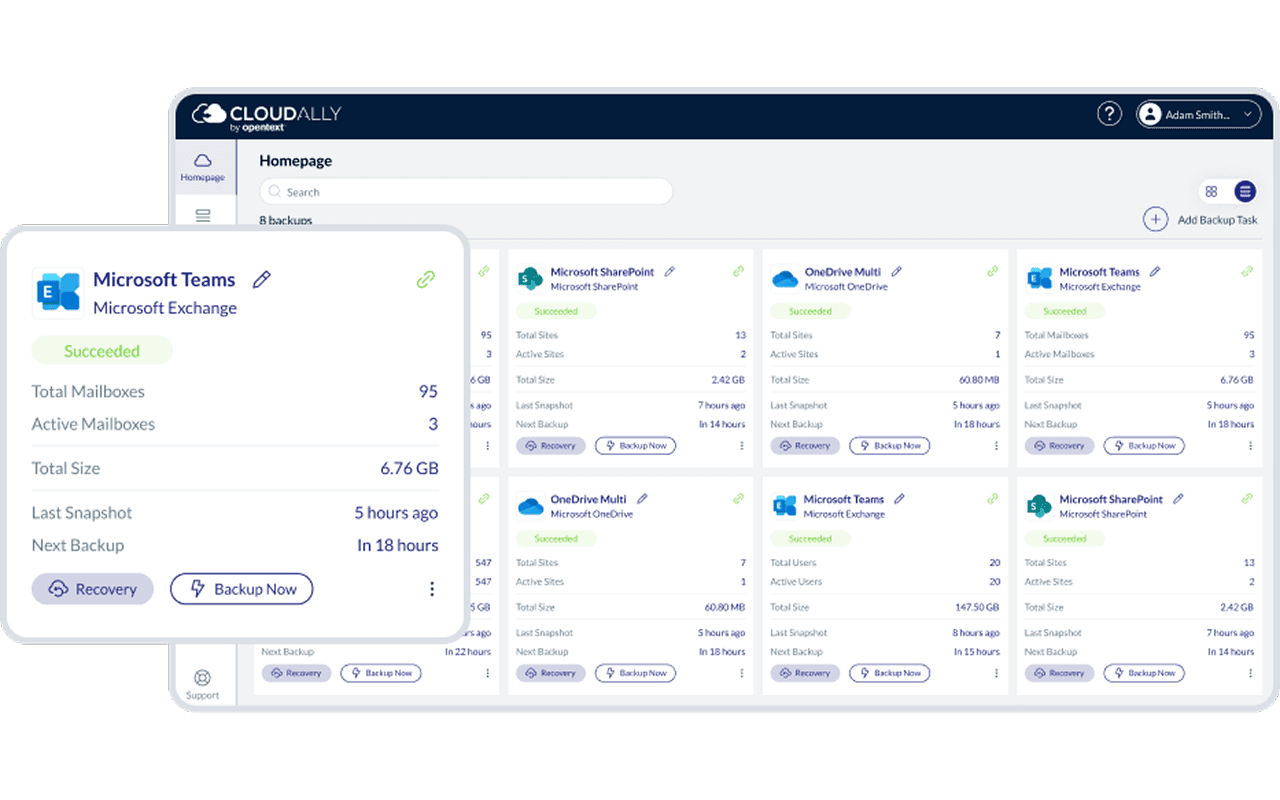
Our Microsoft 365 backup comes with seamless integration with all Microsoft Office 365 plans. Our user interface is intuitive, allowing for quick and easy OOTB usage with two-click recovery. And for Microsoft Office 365 administrators, we offer advanced user management, transparent status monitoring, email alerts and activity logs.

Your data, secured
Your Microsoft backup is fully protected with AES-265 encryption at rest and in-transit. We also provide built-in secure authentication with MFA/2FA, OAuth and Okta support. We offer your choice of global data centers in the UK, USA, Canada, Germany, and Australia for storage. And our support of GDPR and HIPAA requirements, in addition to being ISO 27001 certified, help keep you compliant.
Features

Seamless Microsoft 365 backup
Automated backup of all or selected users with new users/sites auto-detected. Metadata backup. Single repository Exchange backup.

Microsoft 365 compatible OAUTH / MFA support
OOTB integration with all Office 365 Exchange Plans. Secure Authentication with OAuth, SAML-Okta and MFA support

Admin-friendly controls and alerts
Daily Microsoft 365 backup summary email, exception-only alerts, transparent monitoring, and audit logging
Automated or on-demand backup
Daily automated M365 backup or user specified on request

AWS data centers
Adhere to regulatory laws and audit requirements with Microsoft 365 backup in your choice of nine data centers in the US, Canada, UK, Ireland, Germany, France, South Africa, Japan, and Australia.

Archive retention
Unlimited Data retention. No stress about Microsoft 365 retention policies. Immutable Storage – Object – Lock minimize the risk of accidental or malicious loss of data.

Flexible data recovery
Granular restore with advanced search, point-in-time restore with historical snapshot, cross-user restore, non-destructive restore, recover entire mailboxes

Data export
Zip download containing industry standard EML, VCF and ICS formats, or Outlook compatible PST format
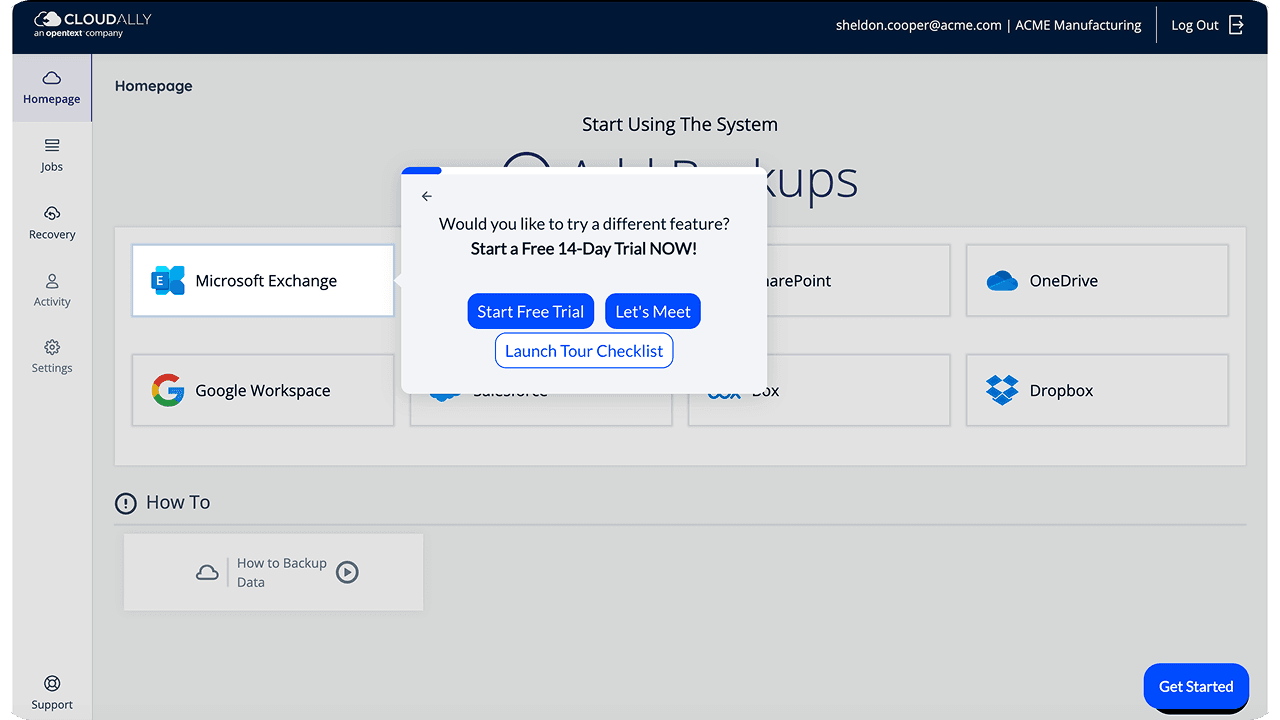
Try a hands-on Microsoft 365 SaaS data backup tour
Interactive product tour for OpenText Cloudally Backup for Microsoft 365.
Microsoft 365 backup security
Stringently secure and compliance supported
- Supports HIPAA compliance requirements
- Strong encryption
- Global datacenters, built on Amazon Web Service (AWS)
- Intrusion detection
- Compartmentalized access
- 99.99% uptime
Resources

Automated daily backup of all Microsoft 365 data: Mail, Calendar, Contacts,
Tasks, SharePoint Online, OneDrive, Teams and Groups, and Notes.

Some organizations assume cloud-to-cloud SaaS data is automatically protected, but the Shared Responsibility Model doesn’t cover customer information. That’s why Microsoft recommends third-party backup solutions.
A guide for system administrators who work with OpenText Cloudally Backup for Microsoft 365.
FAQs
The following are frequently asked questions about Microsoft 365 backup, Microsoft 365 data retention policies, and data recovery options within Microsoft Office 365
Office 365 backs up data on a regular basis as part of a commitment to data protection activities that generally support disaster recovery situations and keep your data accessible in accordance to their uptime SLA (99.9%). However, your organization remains ultimately responsible for your data protection as these backups are not available to administrators or end users and are not intended for aiding in the quick and easy restoration of lost data. While it is possible to recover lost data via Office 365’s backups, the process will often prove tedious, costly, and detrimental to business continuity.
The standard retention policy is 90 days. However, it can be customized to an extent. Read this blog Microsoft (Office) 365 Retention Policy: The What, Why, and How? to know more about Microsoft’s retention policy.
As per Microsoft’s Shared Responsibility Model, you have the onus of protecting your data. SaaS backup is the only failsafe way to recover data from any point-in-time in an accurate and efficient manner with minimal impact to business continuity. As Microsoft’s SLA says:
“We strive to keep the Services up and running; however, all online services suffer occasional disruptions and outages, and Microsoft is not liable for any disruption or loss you may suffer as a result. In the event of an outage, you may not be able to retrieve Your Content or Data that you’ve stored. We recommend that you regularly backup Your Content and Data that you store on the Services or store using Third-Party Apps and Services.”
– Microsoft SLA
Yes. You can view our Interactive product demo or book a personalized demo