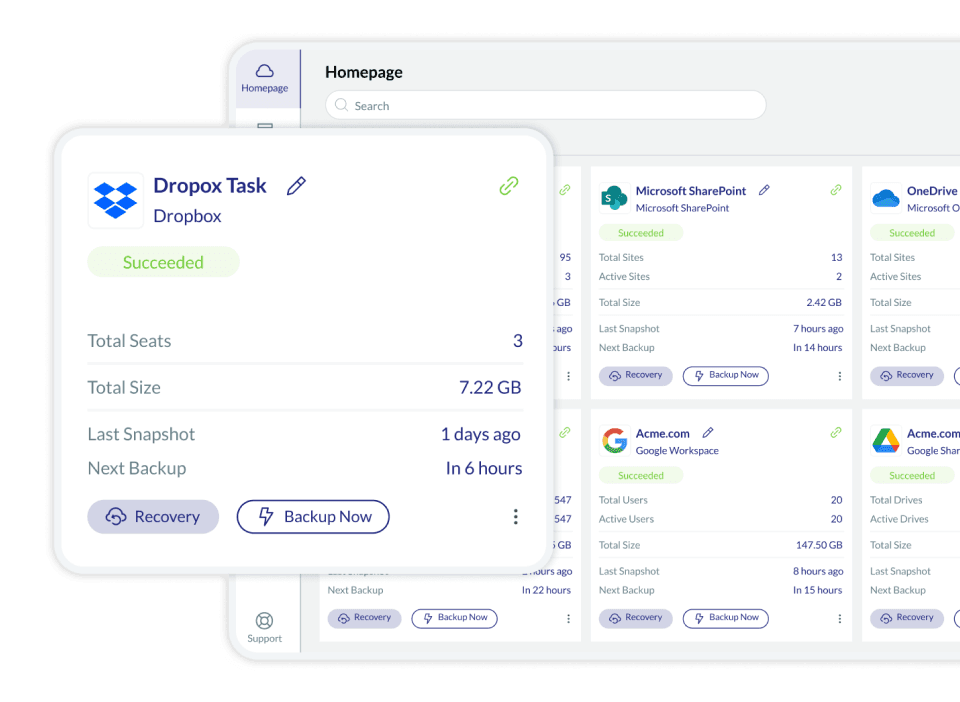
Make your Dropbox data more resilient with a business-tested backup tool
Proven and secure data protection with the pioneers of SaaS backup. Full support for Dropbox Professional as well.

7 reasons to back up your Dropbox data
7 compelling reasons your business needs SaaS backup now
Don’t rely on native retention—95% of data loss stems from human error, outages, cyberattacks, sync issues, insider threats, and compliance gaps. Discover how missing backups can cost millions, disrupt operations, and threaten legal standing—and how Cloudally safeguards your Microsoft 365, Google Workspace, Salesforce, and more with unlimited snapshots, point-in-time recovery, and audit-ready compliance.
Trust the SaaS backup experts
OpenText (formerly Cloudally) has been successfully backing up Box for more than 15 years. Trust our proven and top-rated products, ranked by Newsweek, Capterra and G2 as a leading SaaS backup solution. Our comprehensive backup for Dropbox includes:

Dropbox folders

Team folders

Files
Secure your business-critical data with our backup and recovery solution
Dropbox is a powerful solution. However, native options to restore deleted items are time-bound, destructive (overwrite existing data), and cumbersome. Moreover, once your data has been expunged from Deleted files, it’s permanently gone.
When you add to the equation the likelihood of employee errors and the frequency of malware attacks and security breaches, you have a significant cybersecurity gap that can cause business-critical data loss without any chance of recovery.
Although your data is hosted by Dropbox, maintaining control and protection of your business data in case of security threats or accidental deletion is ultimately your company’s responsibility. Dropbox states, “After a recovery window, all files will be permanently deleted within 60 days “. Data regulatory laws like the GDPR and HIPAA also mandate demonstrable recoverability.
* Newsweek – Top Business Tools
Choose a backup solution tailored for your business

Intelligent workforce management
OpenText Cloudally Backup solutions automatically detect and start backup tasks for new users added to the system. This simplifies employee on-boarding and off-boarding and employees have their data backed up from day one on the job.

Flexible recovery options to any storage with unlimited retention
Quickly recover data without overwriting existing information using point-in-time, non-destructive restore. Our visual historical snapshots ease point-in-time recovery, and advanced search and filter options help restore individual items in a snap. Data can be restored to the same user or to another user. We have added the capability to self-service recovery and backup to your own cloud S3 compatible storage (BYOS).

Zero adoption effort, intuitive admin-friendly UI
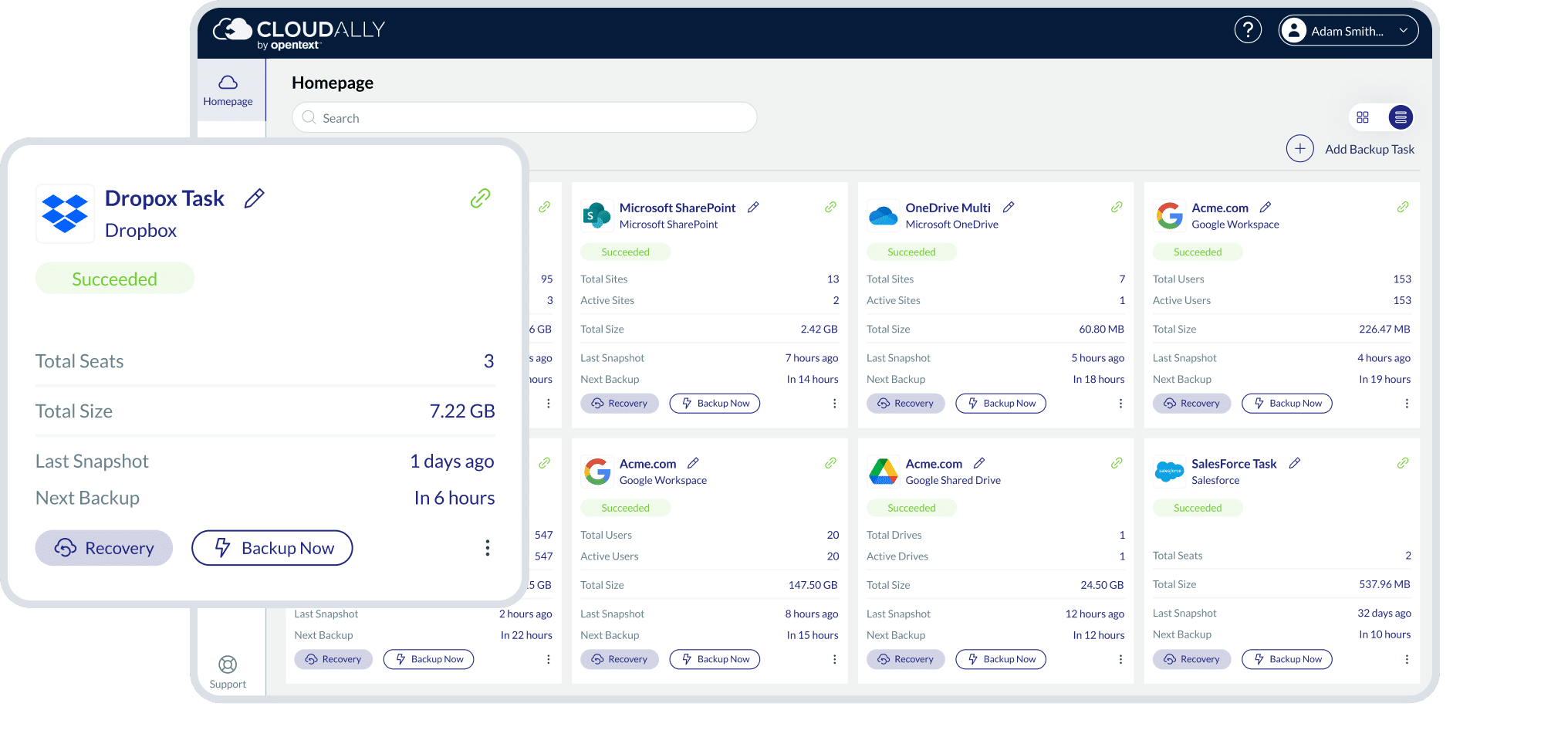
Our backup comes with seamless integration with all Dropbox for Business & Professional plans. Our user interface is intuitive, allowing for quick and easy OOTB usage with two-click recovery. And for our admins, we offer advanced user management, transparent status monitoring, email alerts, and activity logs.

We have your back(up) secure and always available
Your Dropbox backup is fully protected with our AES-256 data encryption at rest and in transit, and a 99.9% uptime SLA. We offer your choice of global data centers and support GDPR and HIPAA compliance. We’re also ISO 27001 certified. Our Dropbox backup has in-built secure authentication with MFA/2FA, OAuth and Okta support.
Features

Automated backup
Automated or on-demand backup of all your Dropbox files and folders. Metadata included. Single repository backups.

Anytime/anywhere restore
Flexible recovery with unlimited retention Includes point-in-time, granular, cross-instance and self-service restore. Export Dropbox data to your own S3, and to Azure, Dropbox or Dropbox storage.

Real-person service
Exceptional customer service real-person 365x24x7 to resolve all your Dropbox backup queries. Dedicated customer hub with video.

Secure and certified
Secure and certified with OAuth and MFA/2FA support. ISO 27001 certified with support for HIPAA and GDPR requirements. Global data centers. Secure Amazon AWS S3 Encryption.

OpenText (Cloudally)'s AWS or bring your own storage (BYOS)
Backups are stored on Cloudally’s secure Amazon S3 AES 232-bit encrypted storage or use your own S3 compatible storage (BYOS).

Flexible recovery with unlimited data retention
Granular restore with advanced search for individual items. Non-destructive restore.

Seamless integration
Compatible with all Dropbox Business & Professional editions to seamlessly backup your Dropbox folders and files.

Save with data export to your own storage
Save on license costs with support to zip and export archived Dropbox data directly to your own S3, Azure, or Box.

Secure authentication with Oauth And 2FA/MFA support
Secure authentication with 2FA/MFA, OAuth and Okta support. Dropbox credentials are not stored or accessible by OpenText (Cloudally). Immutable Storage – Object Lock minimize the accidental or malicious loss of data.

Admin-friendly controls
Customize your own cloud-to-cloud backup settings. Manually or automatically add new users and folders. Daily backup notifications. Exception-only alerts. Activity logs.

Data centers in USA, EU, and APAC
Adhere to regulatory laws and audit requirements with backup in your choice of data centers in the US, South Africa, Canada, UK, France, Japan, Ireland, Germany, and Australia.
Dropbox backup security
Stringently secure and compliance supported
- Supports HIPAA compliance requirements
- Strong encryption
- Global datacenters, built on Amazon Web Service (AWS)
- Intrusion detection
- Compartmentalized access
- 99.99% uptime
Resources

Enterprise-grade cloud-to-cloud Dropbox backup and
recovery.

Discover all the benefits of backing up your Dropbox environment with OpenText (Cloudally).

FAQ
The following are frequently asked questions about our backup for Dropbox, data retention policies, and data recovery options within Dropbox.
Dropbox business solution saves deleted and previous versions of files for 180 days, so you can recover them if desired. After this period of time, the deleted files are marked for permanent deletion in the system and are purged from storage servers. Once they’ve been permanently deleted, they can no longer be recovered or restored.
The extended version history (EVH) was previously available as a Dropbox Plus subscription add-on. This is no longer available for purchase. Hence, why you need our Dropbox Backup solution.
Aside from Dropbox's standard retention period and permanent data-deletion policy thereafter, there are many reasons backing up your Dropbox environment is critical. For more information, check out our ebook.